
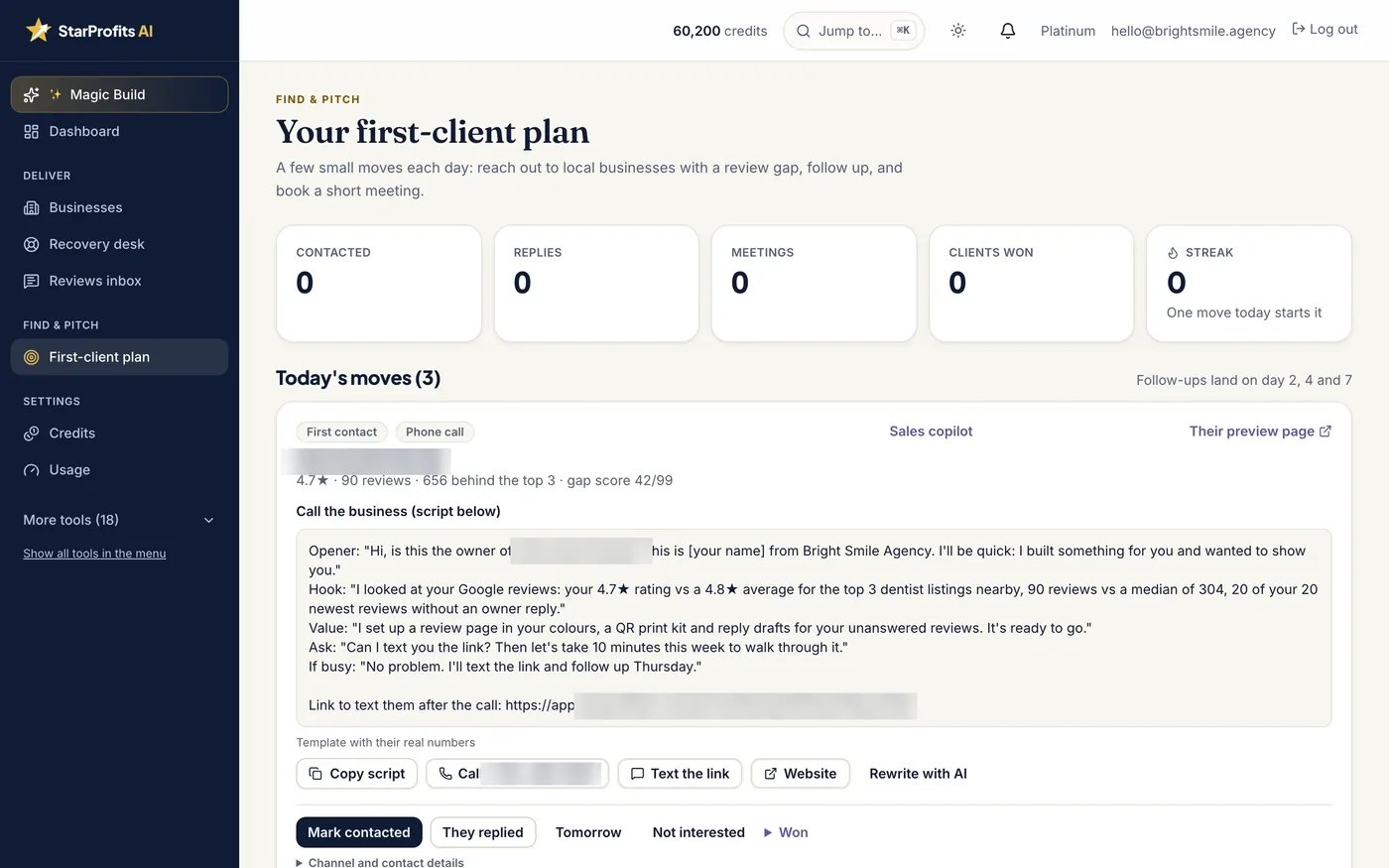
What Star Finder contributes
StarProfits AI includes Star Finder Lite in Basic and advertises Star Finder Pro as a separate upgrade for bulk prospecting and reports. The seller describes comparing a business with its top three nearby competitors and preparing a Review Gap Report that can support a conversation with the owner.
The product review explains how prospecting connects with Magic Build and service delivery. Finding a review gap helps define a question for the business. A resulting conversation still depends on relevant outreach and the owner’s priorities.
Read the comparison in context
Start by checking that the listing represents the correct branch, category and service area. A nearby business with a different offer may be a poor comparison even when it has more public reviews. Seasonality, the age of a listing and the volume of completed work can also change what the figures mean.
Ask which competitors appear and why. A review-count difference can be useful context, but it does not establish that review count alone explains search visibility or customer choice. Keep any agency proposal tied to work you can actually deliver, such as a clearer request process and timely handling of feedback.
Compare Lite and Pro against your workload
The seller’s public summary establishes that Lite is in Basic and that Pro adds bulk prospecting and reports. It does not give enough detail to assume a particular daily scan quota or a universal credit cost for every report. Ask for those details if scanning many businesses is central to your service.
- How many business searches or reports does the selected package allow?
- What uses a starter credit, and what happens when credits run out?
- Does the allowance renew, or is a separate purchase needed?
- Can you rerun the same business and compare dated results?
- Which export or sharing options are included in the exact package?
Use the pricing breakdown to distinguish the $97 advertised Star Finder Pro upgrade from other paid features.
Use the report in a useful owner conversation
Check the underlying numbers before sending a report. Describe the business’s own review-request process and ask where it is difficult for staff or customers. A comparison is more relevant when it leads to a specific service discussion, rather than an alarming promise about losing sales.
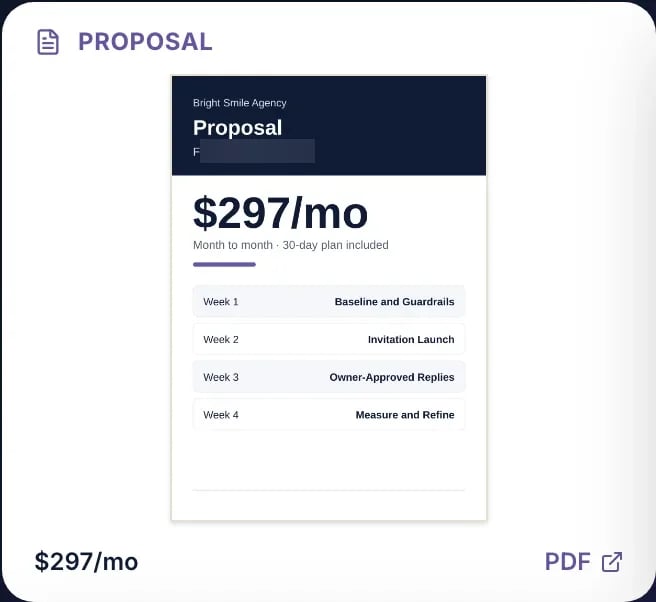
Magic Build can add a preview page and pitch material to that conversation. The generated-kit guide explains why names, contact routes and proposal terms need checking. Obtain the owner’s authorization before operating customer requests or publishing branded material on their behalf.
Choose competitors that make the gap meaningful
The seller describes a gap against the top three nearby businesses. Before presenting that comparison, inspect whether those listings serve a similar customer need. A nearby business with a different specialty, service area or number of locations can provide a misleading benchmark even when its review count is accurate.
Use the gap to ask a better question: does the owner have a consistent way of inviting genuine feedback and responding to it? A higher competitor review count does not identify the cause of the difference. It may reflect business age, customer volume or the type of service. The report should open a conversation about the process rather than claim that software alone can close the gap.
Keep the date and business identity with your working notes. Public listing data changes, and an owner should be able to understand what was compared. If a result looks wrong, verify the listing before building a proposal around it. The Magic Build guide shows how that initial choice flows into the rest of the kit.
An outreach example built around a useful question
For an illustrative approach, an agency might tell an owner that it reviewed the business’s public feedback process and prepared a preview of how customers could reach the correct review destination. It can ask whether the owner currently has a consistent request routine. This is a suggested conversation structure, not a tested sales script or a claim about response rates.
Keep the first message specific and modest. Explain what listing you examined, what the comparison represents and why the proposed page may be useful. Avoid diagnosing the business’s revenue or promising a position in search results from review data alone. An owner can assess a concrete page and service scope more easily than an unsupported claim about lost income.
If the owner is interested, review the generated pitch page together and confirm the right contact route. A click on a preview is not a signed client, and a public listing does not provide blanket permission for every outreach channel. The agency guide explains the delivery responsibilities that follow a successful conversation.
Evaluate prospecting capacity before scaling
Lite and Pro should be compared around your actual prospecting pattern. Someone reviewing a handful of familiar businesses has a different requirement from an agency expecting frequent bulk searches and exported reports. The advertised Pro upgrade adds bulk prospecting and reports, while precise scan quotas and credit consumption remain questions for the current entitlement documentation.
Before planning a large campaign, ask what counts as a search, whether repeating a business uses credits, how reports are refreshed and what happens when an allowance is reached. Also ask what can be exported and how a generated preview can be updated after an owner corrects a detail. These are evaluation questions, not confirmed controls.
Start with a small set of relevant businesses and inspect the quality of each result. More results will not help if the comparison set or listing identity is wrong. The pricing guide lists the $97 Star Finder Pro offer, and the pros and cons guide considers the work that remains between finding a business and serving it.
Connect prospect research to delivery
For a business that agrees to proceed, save the initial report date and comparison choices. Record the changes you make to review requests, QR placement and feedback handling. That gives a later client report a clear starting point.
Discuss the customer-facing review flow before treating a larger public-review count as the only objective. A practical service also needs neutral invitations, accurate replies and a person who can resolve concerns.
Common questions
Is Star Finder included in Basic?
The seller lists Star Finder Lite in Basic. Star Finder Pro is an advertised optional upgrade for bulk prospecting and reports.
How many scans are included?
The materials reviewed do not establish a complete scan allowance or universal credit cost. Confirm those terms for the package you intend to buy.
Does a review gap prove a business will become a client?
A gap provides a possible discussion point. The owner still needs to see a relevant service and agree to its scope and price.
Does a review gap prove a business is losing sales?
A gap compares public review information with selected nearby listings. It does not by itself identify why counts differ or quantify lost revenue. Business age, category, location and customer volume can all affect the comparison. Use it to discuss the review process and verify the selected listings before presenting a proposal.
Should every agency buy Star Finder Pro?
Pro is advertised for bulk prospecting and reports. Evaluate it against your actual search pattern, output needs and the current credit or quota rules. Someone inspecting a few familiar businesses has a different requirement from an agency planning frequent bulk searches. Ask for the entitlement details rather than assuming a universal scan allowance.
Sources and verification
Product facts and launch offers checked on November 8, 2026. Seller demonstrations and published terms support the factual descriptions. Practical checklists are our editorial analysis.