
What customers are shown
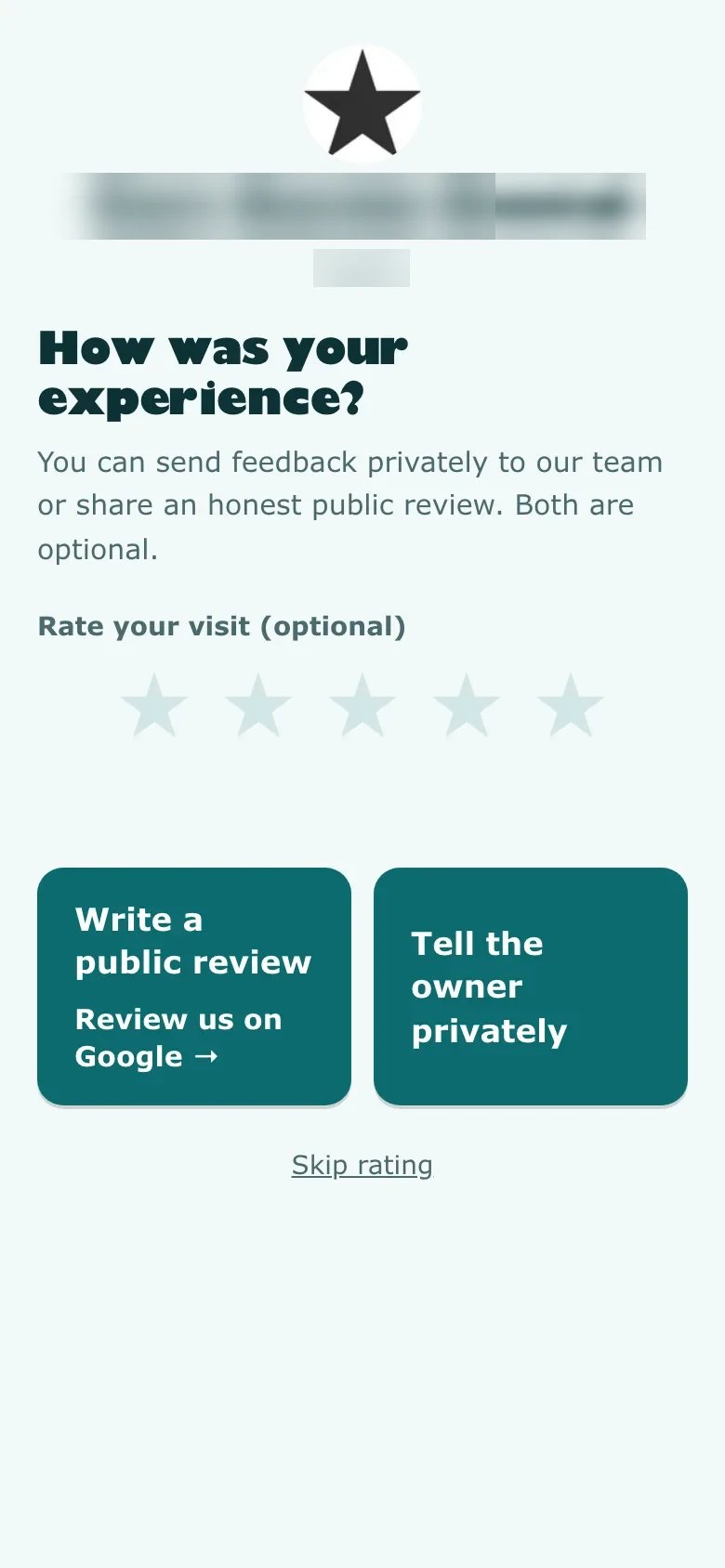
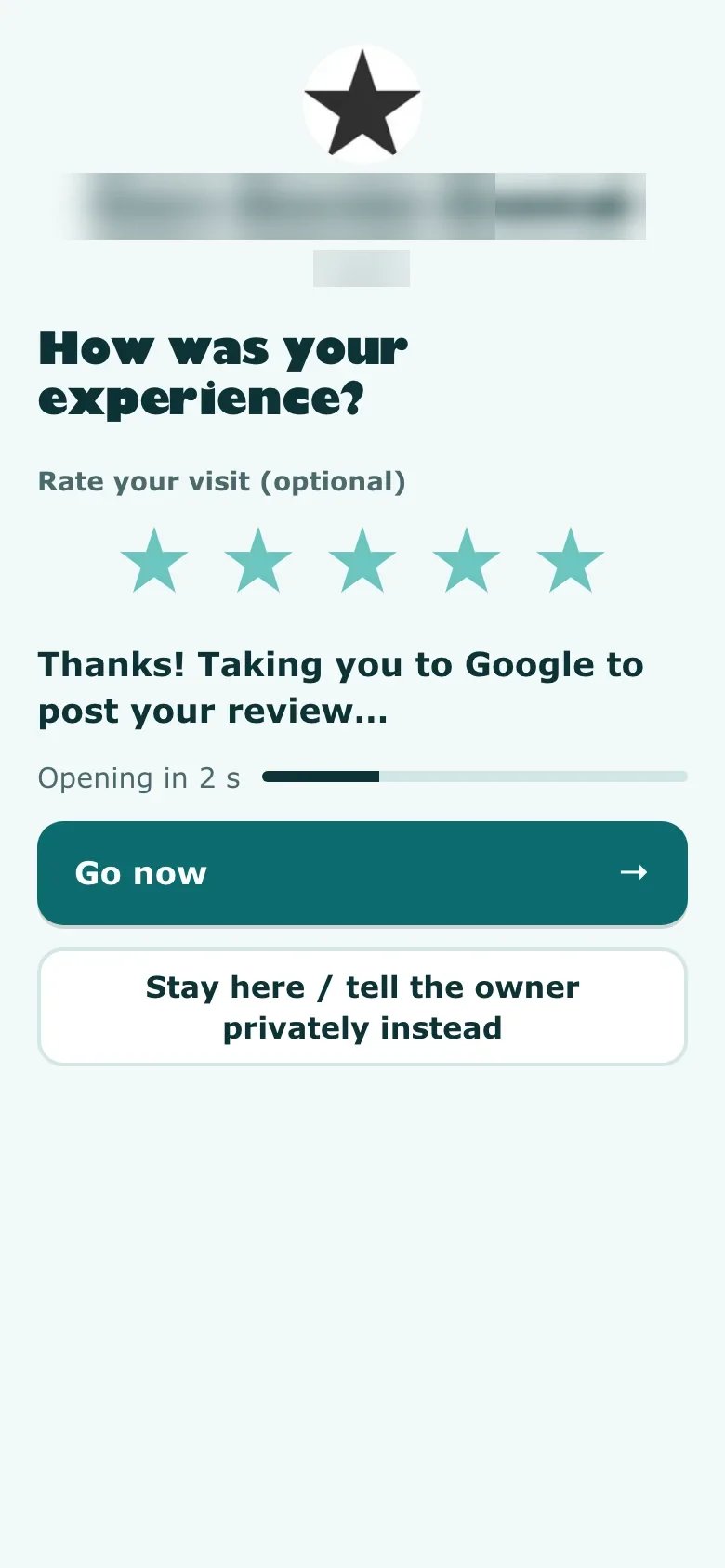
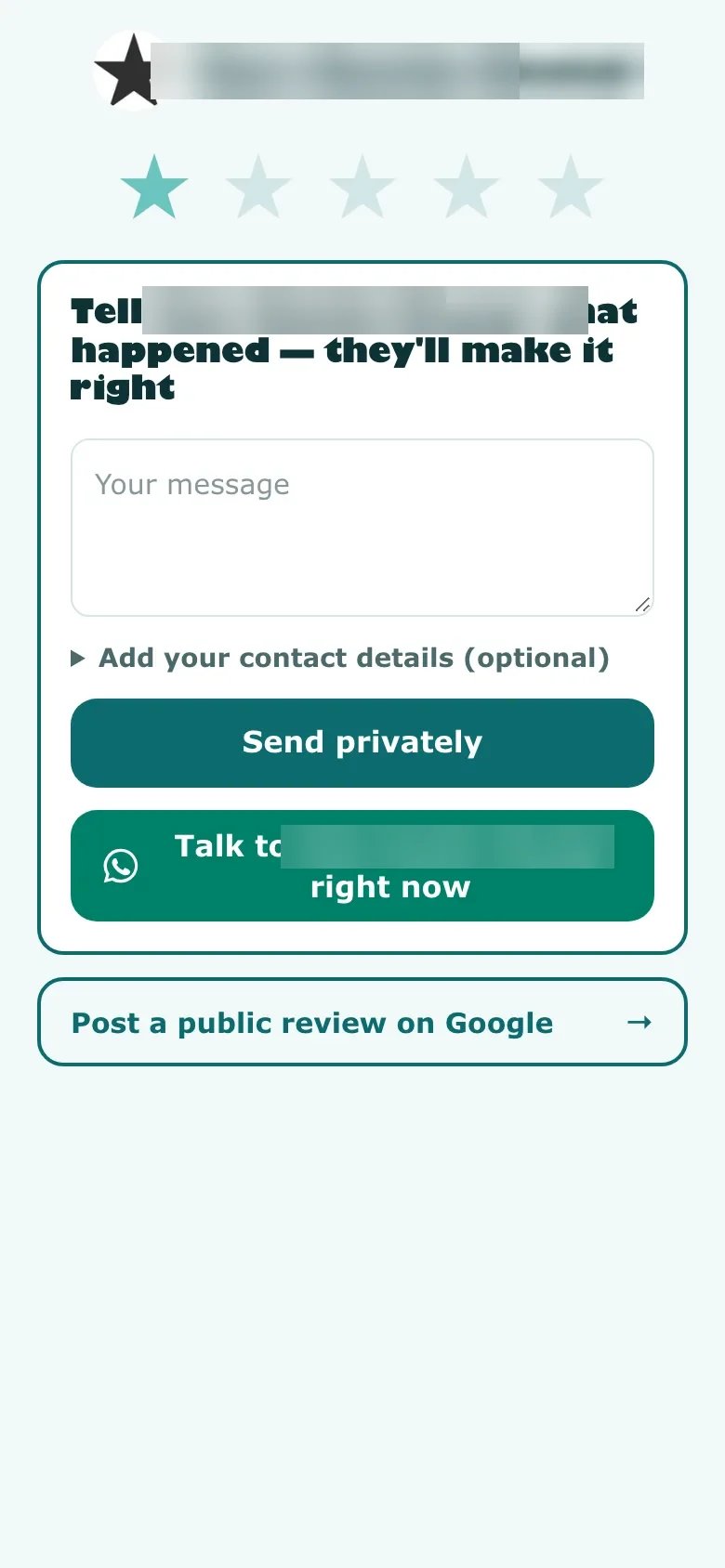
Before a score, the seller’s illustrated flow presents public Google feedback and private owner feedback. With a 1–3-star score, the private box opens first, optional WhatsApp contact appears and a smaller public-review button stays below on the same screen. With a 4–5-star score, a short screen counts down two seconds toward Google and offers immediate navigation or a way to stay and send private feedback.
The StarProfits AI review covers the complete offer. This article focuses on the distinction between access to a public option and the prominence of that option within the customer journey.
Settings the seller describes
The seller says the rating threshold, countdown and adaptive layout are configurable per business. Turning the adaptive layout off is described as showing both choices side by side at every score. It also states that a setting cannot remove the public-review option.
That gives an owner a concrete configuration to inspect. Open the page on a phone and compare all score paths. Check that the customer understands where a private message goes and can find the public option without needing staff assistance. Keep a record of the configuration approved for that business.
Evaluate the request pattern against Google guidance
Google’s published Maps policy prohibits incentivized reviews, discouraging negative reviews and selectively requesting positive feedback. It permits requests for genuine customer experiences without rewards or attempts to influence the rating or content. These principles apply to the process around the page as well as its visible buttons.
Our editorial assessment is that a score-dependent difference in prominence deserves scrutiny, even when a public route remains available. The seller makes no platform-approval claim. The equal-layout setting is worth evaluating alongside neutral invitations to all eligible customers.
Read the current Google Maps content policy before implementing a request flow. A software purchase or seller explanation does not establish approval of your particular use.
A customer-path audit before launch
- Start without a score and inspect both feedback choices.
- Try a low score and confirm the public route, private recipient and wording.
- Try a high score and inspect the countdown and stay option.
- Turn the adaptive layout off and verify the advertised equal layout.
- Scan the final QR on more than one phone if practical.
- Ask a colleague to explain each destination without coaching.
Use the setup guide to document the result. These checks are an editorial verification checklist rather than a claim that a particular account has already passed them.
Inspect every customer path before approving the page
| Action | Published behavior | What to inspect |
|---|---|---|
| No score selected | Public and private options are available | Whether each route is understandable on a phone |
| Low score selected | Private feedback appears first; public route remains below | The visibility and wording of the public option |
| High score selected | A short countdown toward Google with a stay option | Whether the customer understands and controls the transition |
| Adaptation disabled | Both options sit side by side at every score | The actual layout and request wording used for all customers |
Test the real page rather than judging from one screenshot. Screen size, text length and the selected business settings can affect the practical experience. The availability of a public option and the prominence given to it are separate observations. Record both before approving the workflow with the owner.
Write a request that welcomes the customer’s actual experience
A neutral invitation asks a genuine customer to share their experience without suggesting a required score. For an illustrative wording check, compare an invitation to describe a recent visit with a request to leave five stars. The second introduces a desired outcome instead of leaving the assessment to the customer. Avoid rewards, pressure and recipient selection based on an expected favorable opinion.
The page settings are only one part of that process. If staff invite only visibly happy customers, a balanced page does not correct the selection method. If the message itself asks for a positive rating, keeping a public button visible does not settle the concern. Review the invitation, audience and destination as one journey.
Google’s published review guidance and content policy are linked in this article’s sources. Our assessment of the score-dependent design is an editorial interpretation, not a claim of Google approval. Use the request-channel guide to inspect the message and the setup checklist to agree on the deployed configuration with the business.
Treat private feedback as a service responsibility
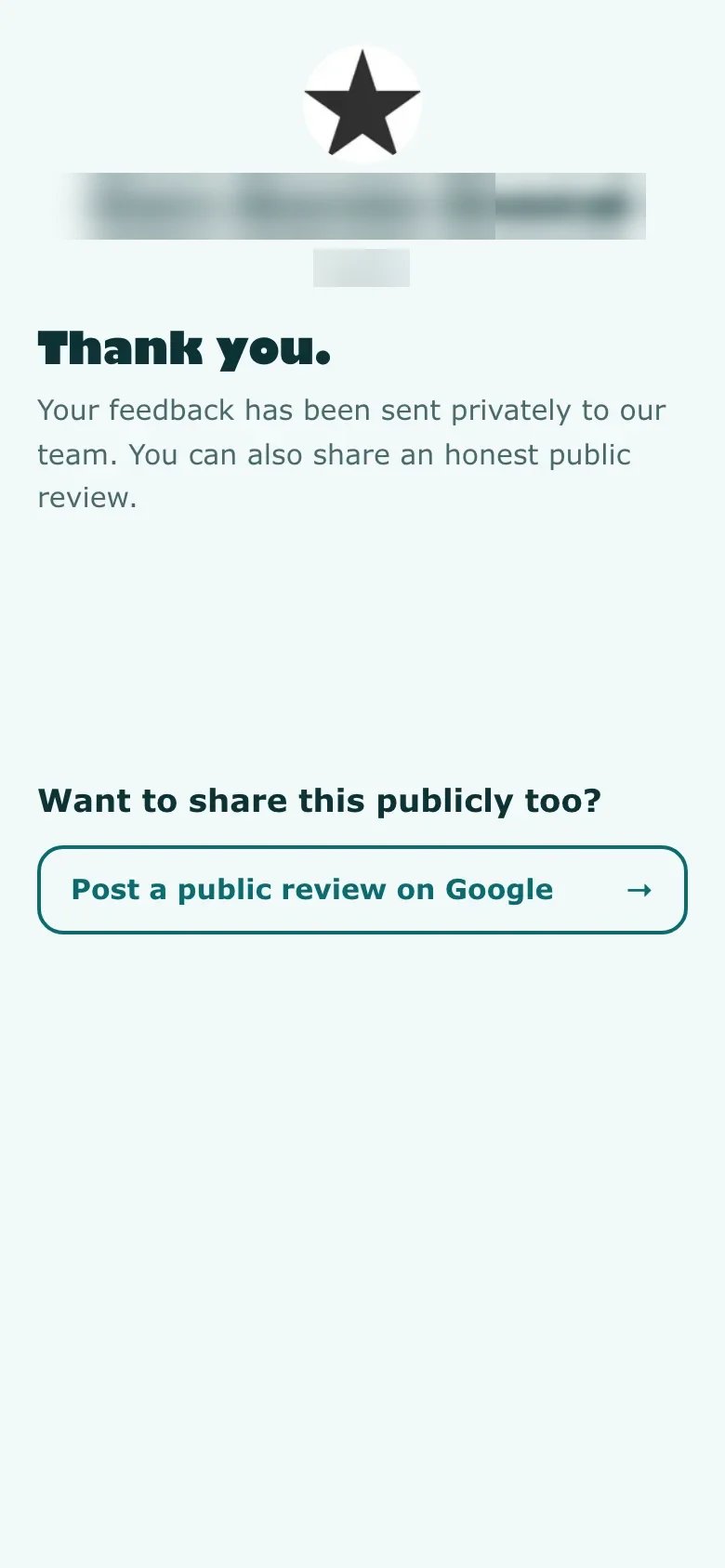
A private message can help the owner understand a problem that needs attention. Decide who receives it, who can see the details and what the team does next. The recovery desk is advertised as assigning an owner and deadline. Its value depends on the business following through, rather than simply recording that a ticket exists.
Keep public review participation separate from resolving a complaint. A customer should be able to express their own experience. A staff member should not treat a private response as an agreement to change a public review or as evidence that the customer is now satisfied. Explain any resolution in terms of the action actually completed.
During handoff, show the owner how a customer reaches private feedback and how the business notices it. Confirm that the contact route is monitored and appropriate for the type of information customers may send. The reporting guide explains how to describe complaints and closure without turning internal activity into an unsupported reputation-growth claim.
Private feedback still needs a response
A private channel creates work for the owner. The seller describes a recovery desk with an assigned person and deadline, plus owner alerts. Decide who reads those messages and how an unresolved issue is escalated. Never tie a remedy to a customer changing their public opinion.
The reporting guide explains how to distinguish private issues, fixed complaints and public-review clicks. The request-message guide addresses the invitation that brings customers to the page in the first place.
Common questions
Does the public option disappear after a low score?
The seller says it remains visible on the same screen, below the private feedback box, with a smaller presentation.
Can both choices appear side by side at every score?
The seller describes disabling the adaptive layout for that presentation. Verify the setting and rendered page in your own account.
Is the adaptive layout approved by Google?
The seller does not claim platform approval. Review the current Google policies and the complete customer-request process.
Does disabling adaptation settle every review-policy question?
The seller says disabling adaptation puts the public and private choices side by side at every score. The invitation and audience-selection method still need review. A balanced page does not correct a request that pressures customers for a particular rating or a process that selectively invites only expected positive feedback.
What should happen after private feedback is received?
The seller describes a recovery desk with an owner and deadline. The business needs to decide who reads the issue, what action is appropriate and how closure is confirmed. An internally resolved ticket should not be described as a changed public review or a guaranteed improvement in customer sentiment.
Sources and verification
Product facts and launch offers checked on November 8, 2026. Seller demonstrations and published terms support the factual descriptions. Practical checklists are our editorial analysis.